
Dayton Talks
Put Dayton Talks on your home screen
It takes about ten seconds and there's nothing to download. No app store, no account required, no storage eaten up on your phone.
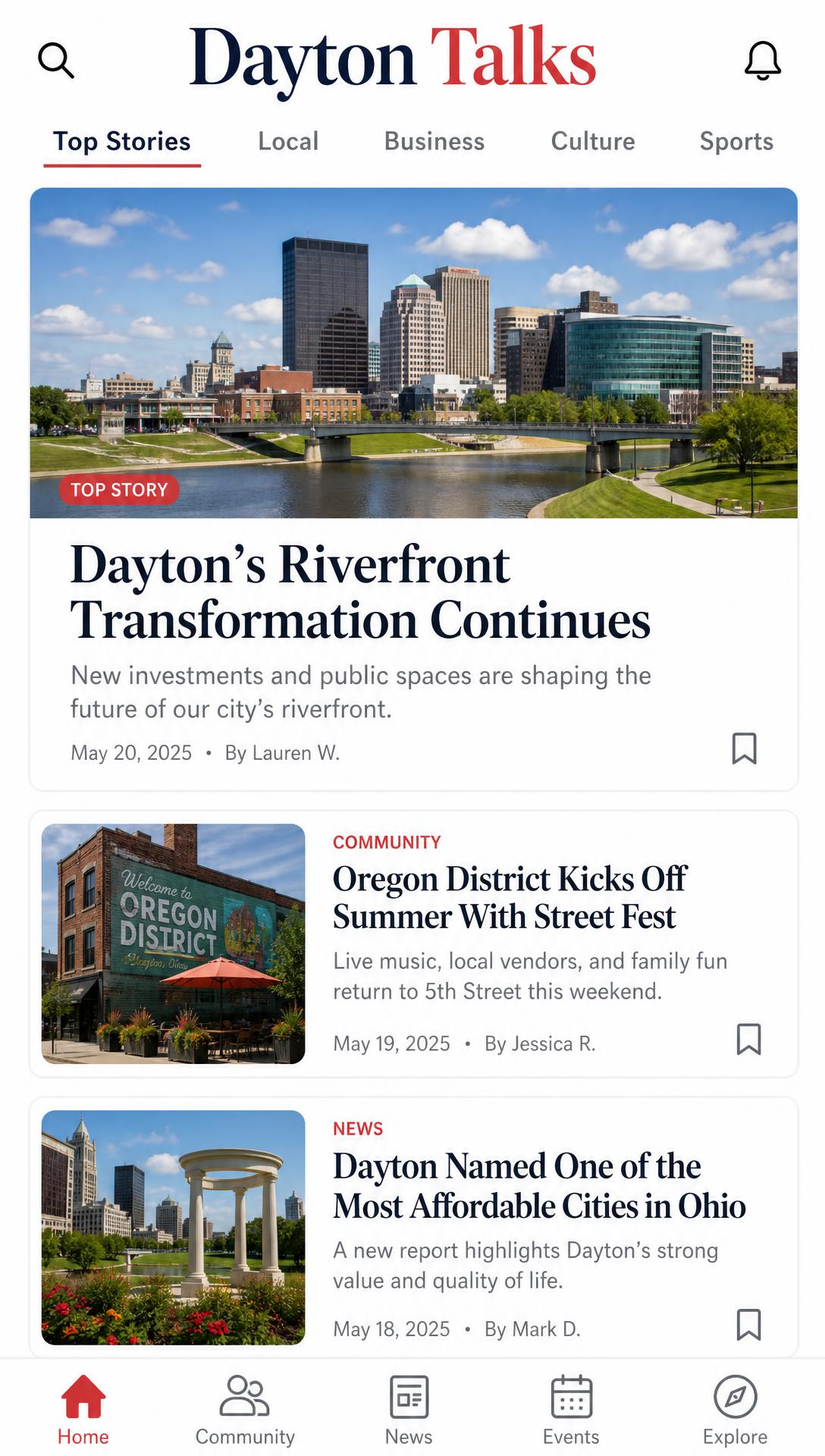
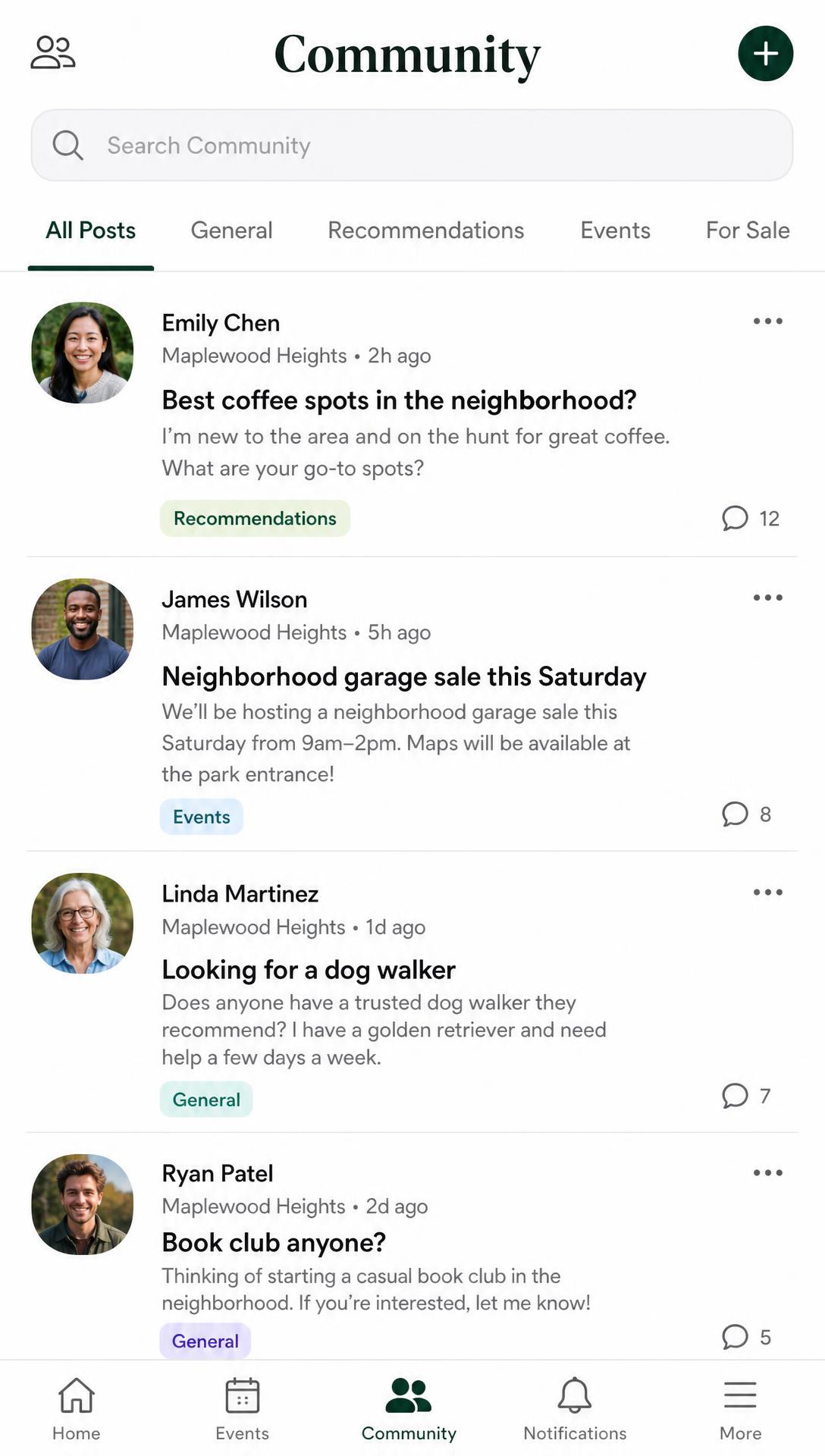
Opens like an app
Full screen, own icon, no browser bar or address field in the way.
Breaking news alerts
Turn on notifications for developing local stories and replies to your posts.
Works on weak signal
Recently read pages and images load instantly, even when service drops.
On iPhone or iPad
Use Safari — Chrome on iOS can't install apps.
- 1.Tap the Share button at the bottom of Safari.
- 2.Scroll down and tap Add to Home Screen.
- 3.Tap Add. The Dayton Talks icon appears on your home screen.
- 4.Open it from that icon, then allow notifications when asked — on iPhone, alerts only work from the installed app.
On Android
Chrome, Edge, or Samsung Internet.
- 1.Tap Install when the prompt appears at the bottom of the screen.
- 2.Don't see it? Tap in the browser menu and choose Install app or Add to Home screen.
- 3.Confirm, then open Dayton Talks from your home screen or app drawer.
Questions
- Is it really an app?
- Yes. Once installed it opens full screen from its own icon and can send push notifications, the same as anything you'd download from a store.
- Does it take up space?
- Barely — a few megabytes. And it updates itself automatically, so you never have to install a new version.
- Why isn't it in the App Store?
- We'd rather put the money into local reporting than app store fees. Installing straight from the site gets you the same experience.